

The cheapest sale you will ever make is the second item in a cart that is already open.
I’m Anurag Pandey, founder of ControlF5. After several years of building Shopify stores, I have seen that growing Shopify stores earn more from shoppers who are already buying. That is exactly what Shopify upsell apps and cross-sell apps do. For the strategy behind it, see our guide on Shopify upsell techniques.
I checked 10 Shopify apps on the Shopify App Store in September 2026 and ranked them by rating to help you pick the best upsell app for Shopify.
This list covers upsells and cross-sells only. For bundles, see our Shopify bundle apps roundup.
Here are the 10 Shopify upsell and cross-sell apps in this guide, sorted from the highest Shopify App Store rating to the lowest. Where two apps share a rating, the one with more reviews comes first.
| App | Best for | Upsell type | Free plan | Starting price | Rating (reviews) |
| Fast Bundle & Upsell | Add-ons and FBT on product pages | Product page, cart pop-up | Dev stores only | $19/mo | 5.0 (3,479) |
| ReConvert Upsell | Thank-you page makeovers | Post-purchase, thank-you page | Yes | $9.99/mo | 4.8 (3,093) |
| Selleasy | Best free all-rounder | Product, cart, checkout, post-purchase, thank-you | Yes | $9/mo | 4.9 (2,734) |
| Essential Upsell & Cross Sell | Budget cross-selling | Product page, cart, post-purchase | Yes | $9.99/mo | 5.0 (2,401) |
| Kaching CartDrawer Cart Upsell | Slide cart upsells | Cart drawer | Dev stores only | $9.99/mo | 5.0 (1,424) |
| AOV.ai Cart Drawer Cart Upsell | AI picks in the cart | Cart drawer | Yes | $15.99/mo | 5.0 (857) |
| Fly Upsell & Cross Sell | AI upsells and quantity breaks | Product page | Yes | $15/mo | 4.9 (608) |
| Zipify OCU | Advanced one-click funnels | Pre-purchase, checkout, post-purchase | Yes | $9.95/mo | 4.5 (564) |
| Wiser AI | Store-wide AI recommendations | Product, cart, checkout, post-purchase | Yes | $9/mo | 4.9 (509) |
| Kaching Post Purchase Upsell | Low-cost one-click offers | Post-purchase, thank-you page | Dev stores only | $4.99/mo | 5.0 (366) |
Pricing checked: September 2026. Prices and ratings on the Shopify App Store change often, so confirm before you install.
| Insight | What it means for your Shopify store |
| Shopify merchants generated a record $14.6 billion in global BFCM 2025 sales, up 27% from 2024 (Shopify) | More ready-to-buy shoppers means more chances to add a second item. Set up upsells before peak season. |
A Shopify upsell app shows shoppers a relevant extra offer while they buy, so each order ends up a little bigger.
Think of a good Shopify store assistant. You pick up a camera, and they mention the memory card you will need tonight. That is the whole idea, just automated.
These Shopify apps do two jobs:
Native Shopify can show basic related products. A dedicated Shopify app adds control over where offers appear, which products get suggested, what discount applies, and how each offer performs.
That control matters most when your orders are coming in smaller than they should, and I have broken down why average order value stays low on a Shopify store and how to fix it in a separate guide.
Every Shopify upsell lives at one of five moments in the buying journey. Decide where your offer should appear, then pick a Shopify app that is strong there.
| Upsell type | Where it appears | What works best | Shopify plan needed |
| Product page upsells and cross-sells | Next to the Add to Cart button | Low-cost add-ons, frequently bought together, quantity breaks | Any plan |
| Cart drawer upsells | Inside the slide-out cart | Free shipping bar, gift wrap toggle, paired items | Any plan |
| Checkout upsells | Order summary during checkout | A Shopify checkout upsell for small, relevant extras | Shopify Plus for information, shipping and payment steps |
| One-click post-purchase upsells | After payment, before the thank-you page | A one-click upsell Shopify offer with no card re-entry | Any plan, through apps |
| Thank-you page upsells | Thank-you and order status pages | Discounted reorder items and cross-sells | Basic plan or higher |
The Shopify apps below are ranked from the highest Shopify App Store rating to the lowest, and each one follows the same format so you can compare them side by side. All prices and ratings were checked in September 2026. They change often, so confirm the latest details on the Shopify App Store before you install.
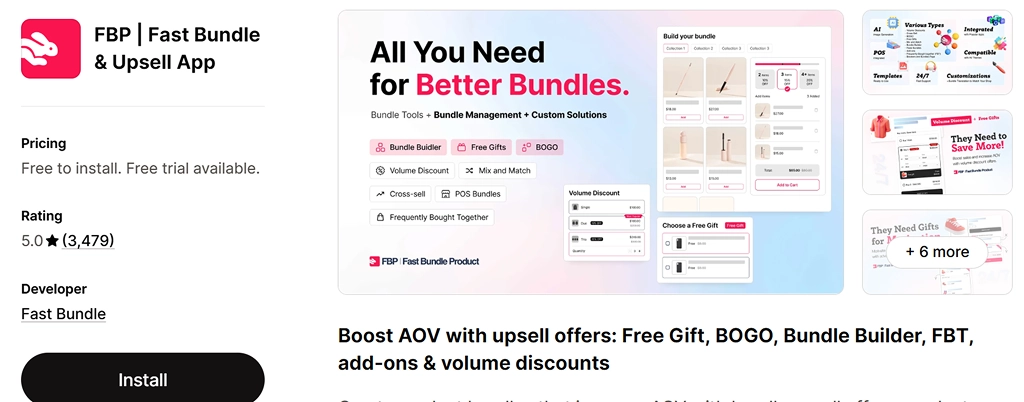
Fast Bundle turns the product page into a small sales counter. Shoppers see AI-picked pairings, quick add-ons and volume offers right beside the item they came for. It also covers BOGO and free gift offers, which makes it useful for Shopify stores that run a lot of promotions. Its offers work in the online store and on Shopify POS.
Best for: Shopify stores that want product page add-ons and frequently bought together offers with promotion flexibility.
Key features:
Pricing:
| Plan | Price | What you get |
| Development stores | Free | Full features for dev stores only |
| Standard (1K) | $19/month | Up to $1,000 in monthly offer sales |
| Standard (3K) | $49/month | Up to $3,000 in monthly offer sales |
| Standard (10K) | $139/month | Up to $10,000 in monthly offer sales |
7-day free trial. Annual billing saves up to 21%.
Shopify rating:
Pros:
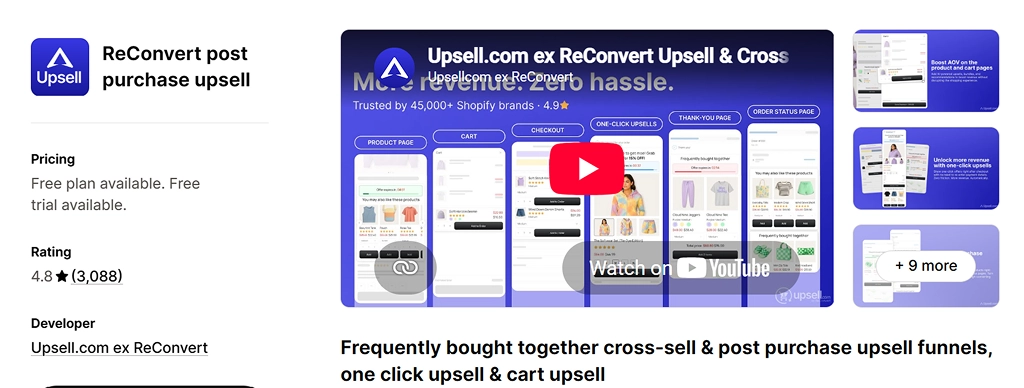
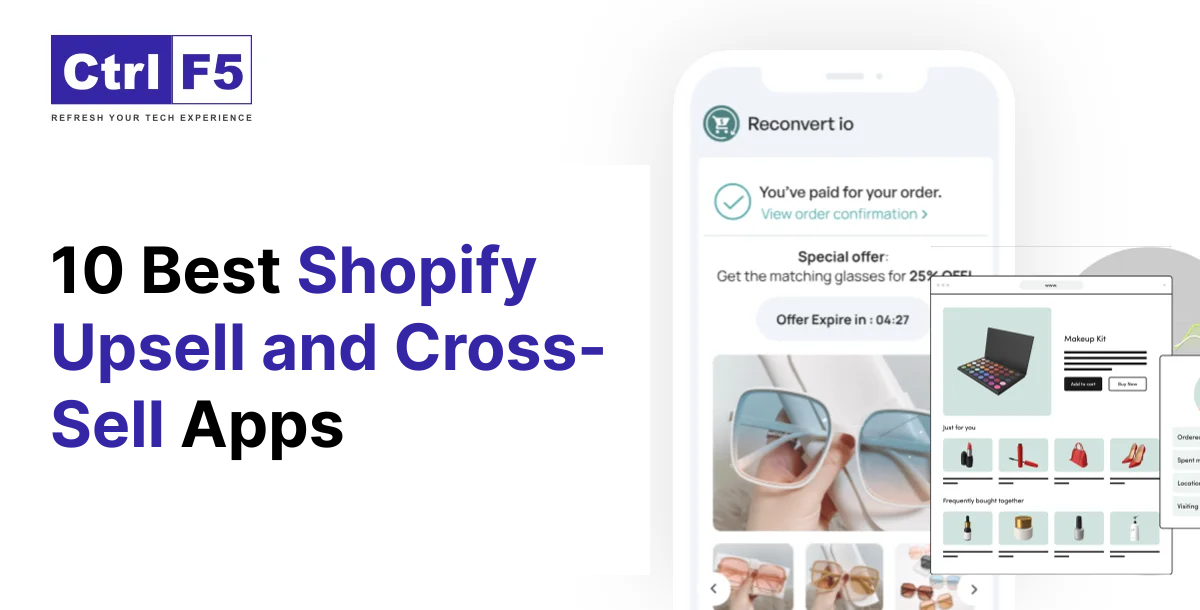
ReConvert, now branded Upsell.com, is a veteran of post-purchase selling. Its drag-and-drop editor turns a plain thank-you page into a mini storefront with offers, order tracking, surveys and birthday collection. One-click post-purchase funnels sit right before that page.
Best for: Shopify stores that want a fully designed thank-you page plus post-purchase funnels.
Key features:
Pricing:
| Plan | Price | What you get |
| Free | $0 | Up to 50 orders or $50 in upsell revenue |
| Growth | $9.99/month | Up to 2,000 monthly store orders or upsell revenue |
| Scale | $199/month ($149 on annual billing) | Up to 10,000 monthly store orders or upsell revenue |
| Elite | $499/month ($399 on annual billing) | Up to 20,000 monthly store orders or upsell revenue |
14-day free trial.
Shopify rating:
Pros:
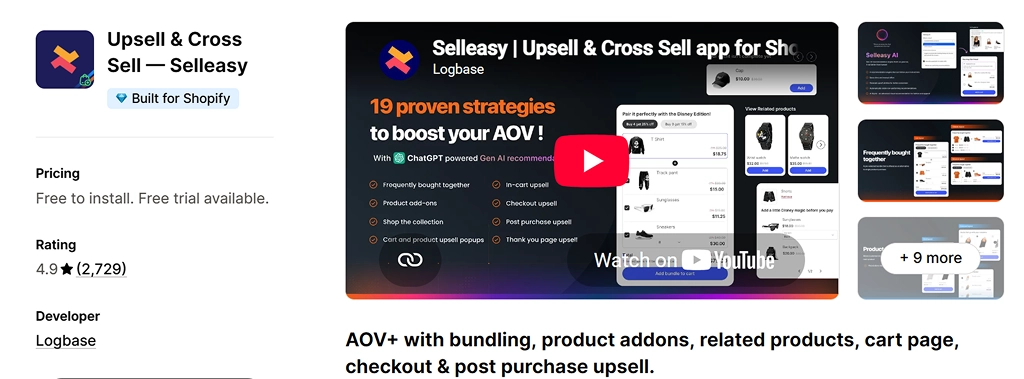
Selleasy covers the entire buying journey from a single dashboard. Product page add-ons, cart funnels, checkout offers, one-click post-purchase deals and thank-you page cross-sells all live in one place. Its free tier handles up to 50 orders a month, and the team offers a free setup call. For many small stores, that makes it the best Shopify upsell app to start with.
Best for: Shopify stores that want every upsell placement in one app without paying on day one.
Key features:
Pricing:
| Plan | Price | What you get |
| Starter Tier I | Free | Up to 50 store orders/month, all upsell placements |
| Starter Tier II | $9/month | Up to 500 store orders/month |
| Starter Tier III | $19/month | Up to 1,000 store orders/month |
| Starter Tier IV | $29/month | 1,000+ store orders/month |
30-day free trial on paid tiers. Plans count your store’s total orders.
Shopify rating:
Pros:
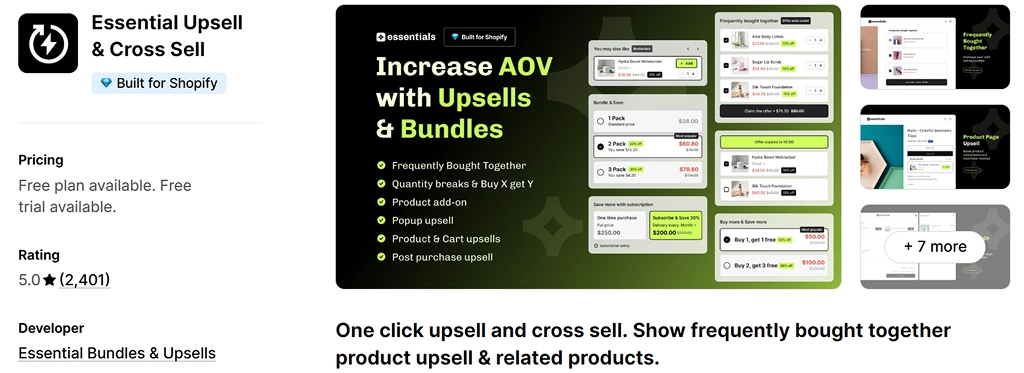
Essential keeps things simple and affordable. It places related products, add-ons and “also bought” suggestions on product pages, in the cart drawer and after purchase. Automatic discounts can be attached to any suggested item, which gives shoppers a clear reason to add it. A true free plan makes it easy to test before paying.
Best for: new and growing Shopify stores that want a Shopify cross sell app with a real free plan.
Key features:
Pricing:
| Plan | Price | What you get |
| Free | $0 | Up to $100 extra revenue, product page and post-purchase offers |
| Starter | $9.99/month | Up to $500 extra revenue |
| Essential | $19.99/month | Up to $1,000 extra revenue, adds cart page offers |
| Professional | $39.99/month | Unlimited extra revenue |
14-day free trial on paid plans.
Shopify rating:
Pros:
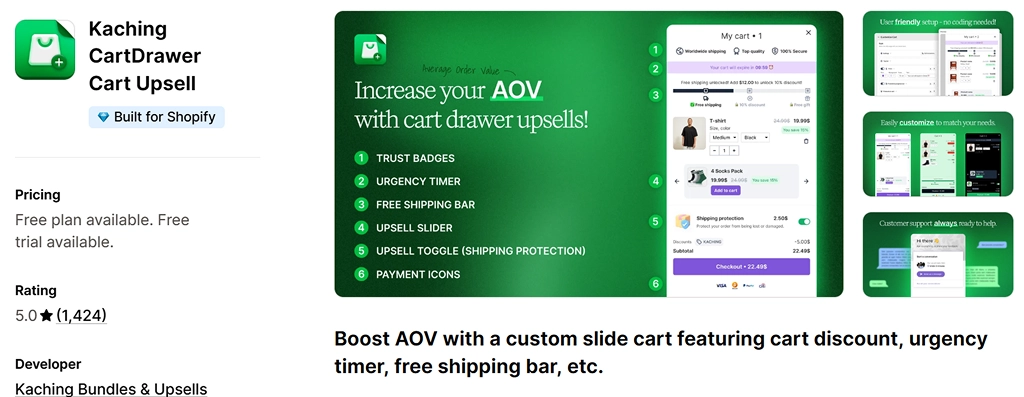
Kaching CartDrawer replaces the default cart with a slide cart built to lift order value. A carousel of paired products, a free shipping bar and simple toggles for gift wrap or shipping protection all sit in one clean panel. Countdown timers and payment icons add urgency and trust right before checkout.
Best for: Shopify stores that want the cart itself to do the upselling.
Key features:
Pricing:
| Plan | Price | What you get |
| Development stores | Free | For dev stores only |
| 99 orders | $9.99/month | All cart features |
| 199 orders | $14.99/month | All cart features |
| 499 orders | $24.99/month | All cart features |
14-day free trial.
Shopify rating:
Pros:
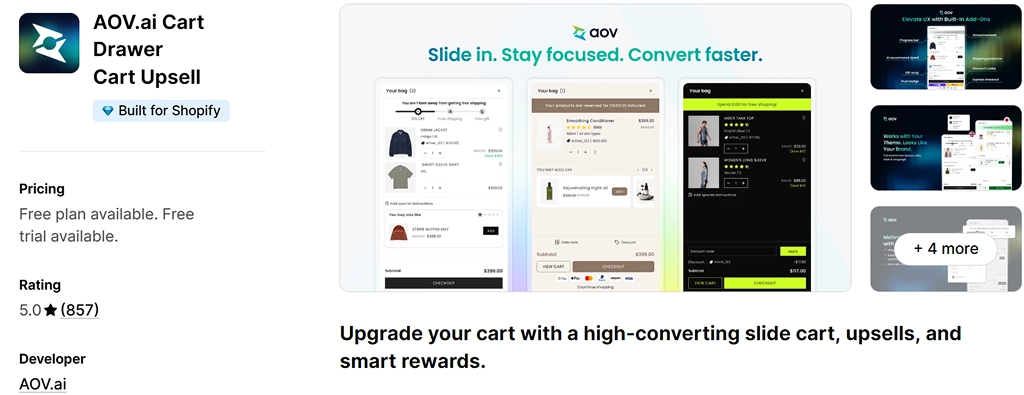
AOV.ai builds a slide cart that learns from what your shoppers actually buy together. Suggestions update based on the items already in the cart, and a multi-goal rewards bar keeps customers adding. It also connects with Shopify Sidekick, so you can check the cart setup or switch features on without opening the app.
Best for: Shopify stores that want smarter cart suggestions and support in 13 languages.
Key features:
Pricing:
| Plan | Price | What you get |
| Free | $0 | 30 monthly orders through the app, manual upsells |
| Basic | $15.99/month | For Shopify Basic stores, unlimited orders, AI upsells |
| Professional | $25.99/month | For Shopify Grow stores, unlimited orders, AI upsells |
| Advanced | $35.99/month | For Shopify Advanced stores, unlimited orders, AI upsells |
7-day free trial. Annual billing saves 20%.
Shopify rating:
Pros:
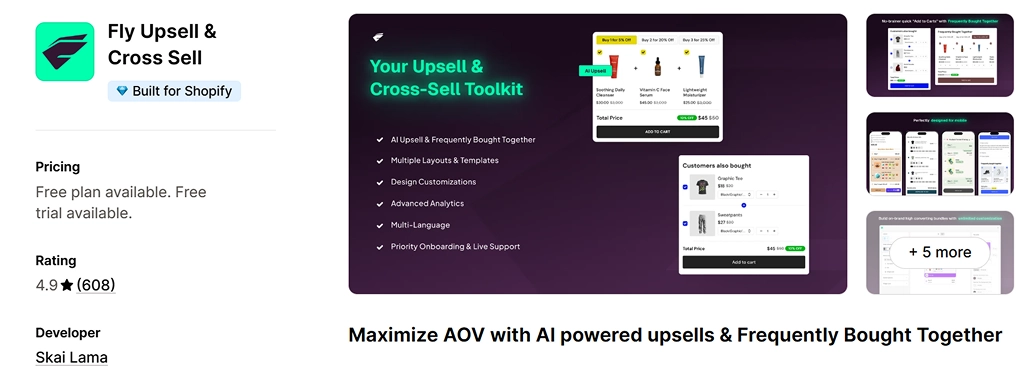
Fly, built by Skai Lama, focuses on the product page. It mixes AI upsells and frequently bought together blocks with tiered quantity breaks and free gift rewards. The widgets are built natively to keep the Shopify store fast, and a design configurator lets you match any theme. It also plays well with other side cart apps.
Best for: Shopify stores that sell consumables or multipacks and want “buy more, save more” offers.
Key features:
Pricing:
| Plan | Price | What you get |
| Free | $0 | 1 upsell offer, AI upsells, analytics |
| Growth | $15/month | Unlimited offers with all features |
10-day free trial.
Shopify rating:
Pros:
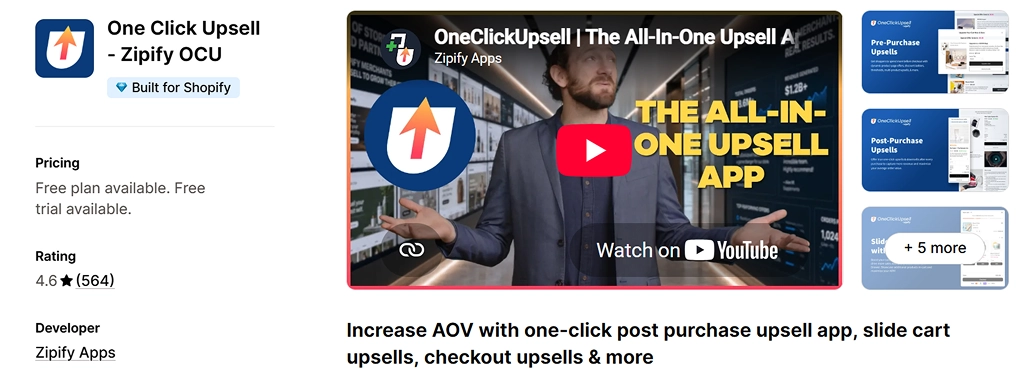
Zipify One Click Upsell is built for brands that treat upsells as a system. It runs AI-powered offers before purchase, inside checkout, after payment and on the thank-you page. Built-in split testing shows which offer wins, and the pricing follows the revenue the upsells earn. If you want a one click upsell Shopify funnel with serious testing depth, this is the specialist.
Best for: higher-volume brands that want to test and optimise every offer.
Key features:
Pricing:
| Plan | Price | What you get |
| Development stores | Free | All features for development and partner stores |
| Up to $200 upsell revenue | $9.95/month | Starting tier while upsells earn up to $200 a month |
30-day free trial.
Shopify rating:
Pros:
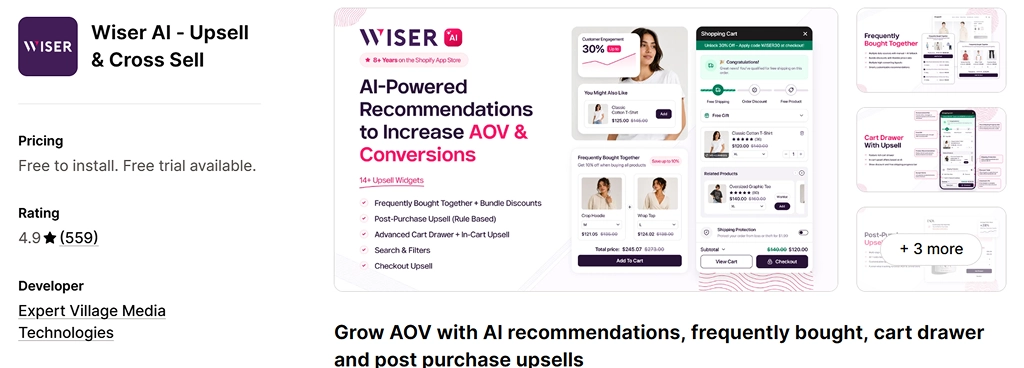
Wiser uses AI to show personalized suggestions on almost every page of the store. Frequently bought together blocks, a slide cart, checkout offers, post-purchase funnels and even email recommendations run from one engine that keeps learning. It supports Shopify Markets, so multi-currency and multi-language stores are covered.
Best for: Shopify stores that want a Shopify cross sell app driven by personalization across the whole journey.
Key features:
Pricing:
| Plan | Price | What you get |
| Free | $0 | 0 to 50 monthly store orders |
| Basic | $9/month | 51 to 100 monthly store orders |
| Growth | $19/month | 101 to 300 monthly store orders |
| Premium | $49/month | 301 to 500 monthly store orders |
Shopify rating:
Pros:
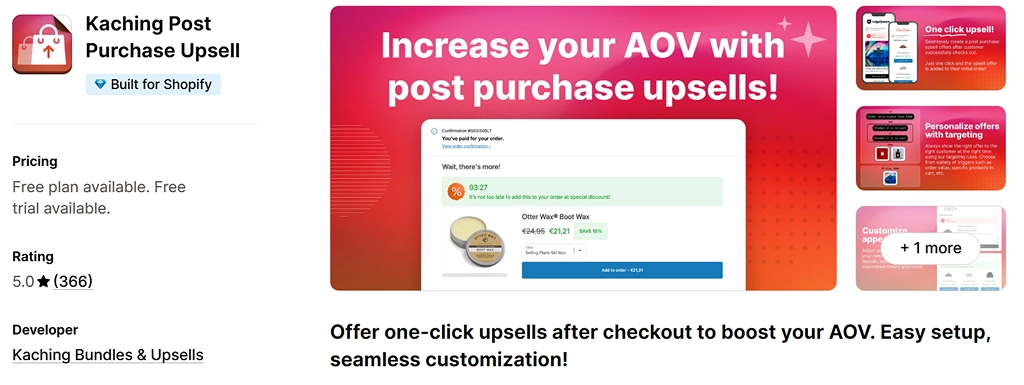
Kaching Post Purchase Upsell shows an offer the moment payment goes through. The customer accepts with one click and never types card details again. Targeting rules let you show different offers based on order value or the campaign that brought the shopper in. For Shopify stores testing a one click upsell Shopify flow for the first time, the entry price is hard to beat.
Best for: Shopify stores that want post-purchase revenue without touching the checkout.
Key features:
Pricing:
| Plan | Price | What you get |
| Development stores | Free | For dev stores only |
| 99 orders | $4.99/month | Unlimited funnels, segmentation, analytics |
| 199 orders | $7.99/month | Unlimited funnels, segmentation, analytics |
| 499 orders | $19.99/month | Unlimited funnels, segmentation, analytics |
14-day free trial.
Shopify rating:
Pros:
The best upsell and cross-sell app for Shopify is the one that fits your plan, your order volume and the moment your shoppers hesitate. Run through this checklist before you install anything.
A good Shopify app with a bad offer still fails. These rules keep every Shopify upsell helpful instead of pushy.
For more tactics, see our full guide to Shopify upsell techniques.
Start with the moment your shoppers hesitate, then pick the Shopify app built for it.
Whichever Shopify upsell app you choose, install one, measure it for a few weeks, and only then add another. Stacking apps too fast is the quickest way to slow a store down.
At ControlF5, we have shipped 500+ Shopify stores and set up, customize and speed-test upsell flows every week. If you want a second pair of eyes on yours, talk to our team.
Answer: It depends on where you want offers to appear. Selleasy is the strongest all-rounder with a free plan. Kaching CartDrawer and AOV.ai lead for cart upsells, and ReConvert leads for thank-you pages.
Answer: Yes. Selleasy is free up to 50 orders a month, Essential Upsell has a free plan up to $100 in extra revenue, AOV.ai is free up to 30 app orders a month, and Fly offers one free upsell offer.
Answer: They can, because each widget loads extra code. Apps with the Built for Shopify badge meet Shopify’s performance standards, but you should still test page speed before and after installing.
Answer: Yes, with limits. A Shopify checkout upsell on the information, shipping or payment steps needs Shopify Plus. Thank-you and order status page offers work on the Basic plan or higher.
Answer: Upselling offers a better or bigger version of the same item. Cross-selling suggests a related item, which is what a Shopify cross-sell app like Essential or Wiser focuses on.
Answer: Yes. Every Shopify app on this list works on Plus, and Plus stores get the extra option of placing offers inside the checkout steps themselves.


Learn what average order value means, why it may be low, and 9 proven ways to increase it using Shopify’s built-in tools.
Is your Shopify store struggling to rank on Google? Discover common SEO problems affecting visibility and learn how to identify and fix indexing, technical, and content issues.
Is your Shopify store loading slowly? Explore 11 hidden causes that affect website speed and learn how to fix common performance issues.