

Headless WordPress is a powerful and popular way to manage WordPress websites without using the WordPress admin panel or front-end website. There is no possibility of hacking or any other vulnerability associated with traditional WordPress CMS setups. Headless has advantages for developers, publishers and end users a like.
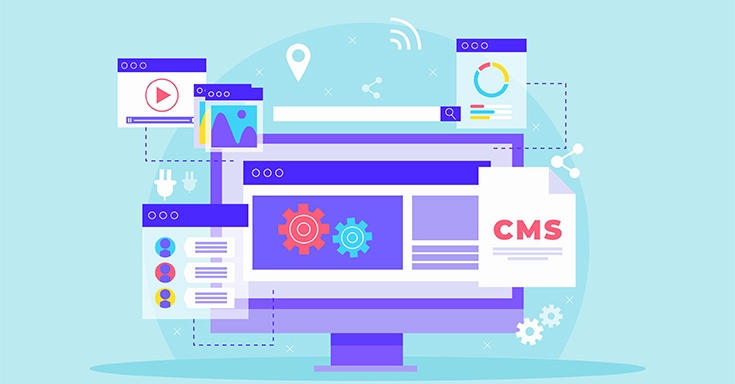
When you can run WordPress Headless, you can remove the head from the front end. This way, you can continue using the familiar dashboard while freeing yourself from the front end constraints of the platform. When it comes to a headless setup, the WordPress CMS provides content as data using a representational state transfer for the application programming interface.
If you are going to look after your website, you will require a CMS offered by WordPress.org that offers you everything you will ever need (including easy installation on any website hosting account). After getting started and reading through some documentation, anyone can get started with their own WordPress website (headless or otherwise).
The primary reason to use Headless WordPress is to build and maintain a blog or website without the need to use the WordPress admin panel or front-end site. This significantly reduces the configuration, maintenance and risk of a new blog.

If you are an experienced white label WordPress developer, there is a possibility your workflow will be more efficient by using a headless system like Headless. In fact, Headless was originally used simply because it was easier to create blogs directly from within the command line or via a terminal than with WordPress.org.
As long as you know how to code, you will find that Headless is easy to use. You can do more with your site because there is no need for third-party plugins or other similar software. Also, it is going to be easier to create multifaceted websites when you have access to most of the underlying operations and are not relying on third parties to provide an interface for complex tasks. Headless WordPress and security.

The WordPress platform is a great place to begin with, but sometimes there are limitations to the structure. You can use Headless WordPress to build your site without any constraints. The only thing that you need is a web hosting account that supports the headless install on their hosting interface (such as Heroku or NGINX).
So even if nothing about the site is hacked, the server will be in danger. This can also be used to create secure social media sites where users have limited access to content and services (such as dropbox).
Building a front end for the WordPress CMS is a time consuming process. The React framework is built on top of the React library, a JavaScript library that provides a great way to build components. With the React framework, there’s no need to tinker with any back-end code.
The React framework will also promise you to supercharge and only re render the affected content. This will save you a lot of time as you can focus on building the front end keeping the back end working properly.Originally launched for use in Facebook, a lot of big names such as AirBNB, DropBox have mastered the use of the following with backing so many multinational companies and having an extensive support online.
Content management system (CMS) plugins can help handle most of the front-end tasks without requiring any programming. They often have as many features as the CMS to enhance users’ content creation, data management, and maintenance. There are plugins that make it easier to import or export data from your WordPress site. However, plugins also have their downsides. A plugin for WordPress offers a more visual interface for content management, but at the expense of control and speed. In short, plugins can be a mixed bag.
WooCommerce is a popular e-commerce plugin and has been around for a long time. It supports a wide variety of clients and products, including many of the most popular WordPress themes. It can be easily integrated with WordPress and is compatible with over 60 languages. WooCommerce can be used to sell almost any kind of product, with the option to set up different payment gateways.
This WooCommerce plugin provides an API that can enable you to access the WooCommerce cart and as a headless setup, you can get checked out with the capability of performing basic authentication.
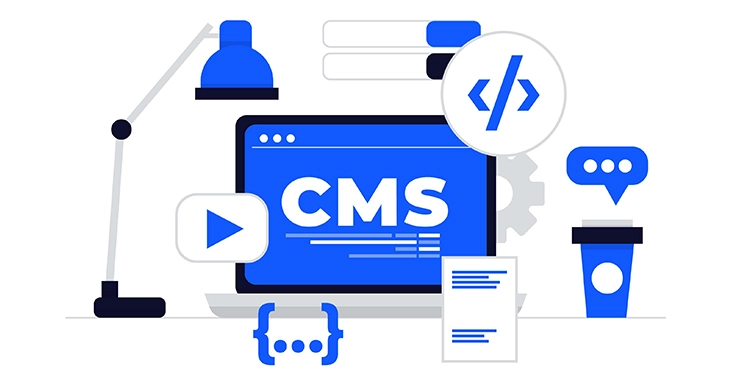
WordPress Headless CMS is a versatile application that can help you through deployment, hosting, and content creation. With the availability of plugins for WordPress Headless CMS, you can engage in complex tasks with ease as well. A comparison of WordPress Headless CMS before and after setting up the WordPress Headless CMS will show you how much more of an advantage it has over other CMS platforms.
Email id:- contact@controlf5.in


As the founder of a WordPress development agency, I work with WordPress every day, building, optimizing, and supporting websites for clients across different industries.
The Shopify Black Friday Cyber Monday Playbook 2025 is your go-to resource for preparing, promoting, and profiting during the most competitive eCommerce season of the year.
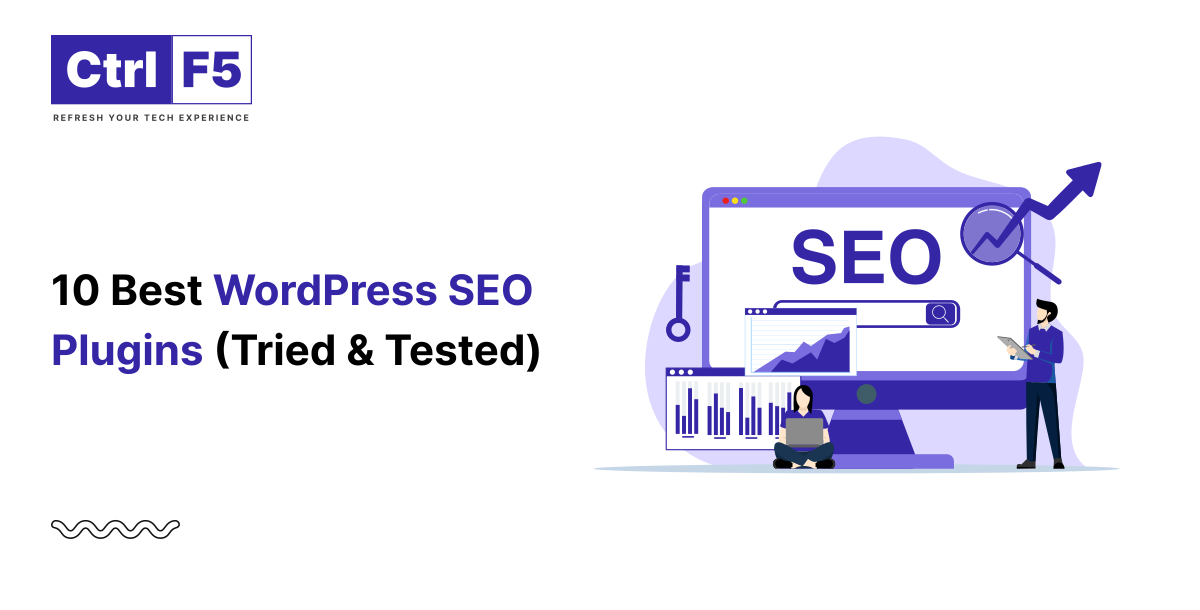
Running a WordPress website in 2026 without the right SEO plugin is like driving a car without a GPS; you might move forward, but you’ll probably miss the best route to your destination.